
In 2026, Microsoft made a pivotal move: Security Copilot is now included with Microsoft 365 E5.
This isn’t just a licensing adjustment — it marks a fundamental shift in how security operations centres (SOCs) are expected to function going forward.
For organisations using Microsoft 365 E5, Security Copilot is no longer a forward‑looking experiment. It is quickly becoming part of the core security fabric, deeply embedded across:
- Microsoft Defender XDR
- Microsoft Entra ID
- Microsoft Intune
- Microsoft Purview
At Logic V, we’ve been tracking this transition closely because it changes how incidents are investigated, prioritised, and resolved, not just what tools are available.
What Does “Included with E5” Actually Mean?
While Security Copilot is now bundled with Microsoft 365 E5, it’s important to understand what you do — and don’t — get by default.
Included with E5:
- Core Security Copilot experiences inside Defender, Entra, Intune, and Purview
- Access to several built‑in agentic workflows (investigation summaries, guided remediation, alert contextualisation)
- Monthly Security Compute Units (SCUs) allocated per tenant
Still Metered or Limited:
- Advanced or high‑volume Copilot usage consuming extra SCUs
- Custom or third‑party agents
- Certain advanced data‑intensive investigations
In practice, this means Security Copilot is available to every E5 tenant, but operational maturity determines whether it delivers value or confusion.
How Security Copilot Changes SOC Operations
1. From Alert Overload to Assisted Triage
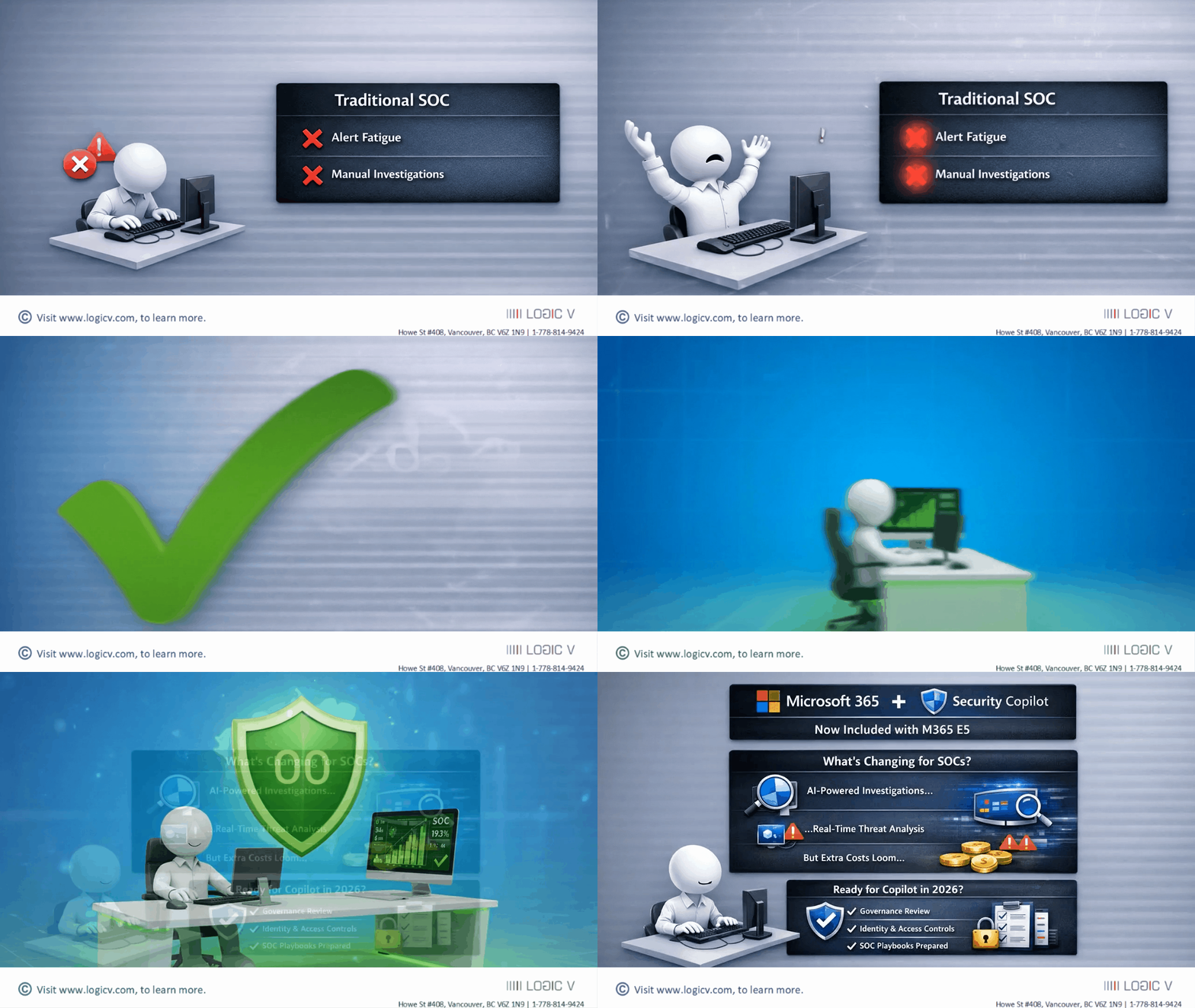
Traditional SOC workflows are reactive and noisy. Analysts manually pivot between alerts, logs, and portals.
Security Copilot changes this by:
- Automatically summarising incidents across Defender XDR
- Highlighting likely attack paths
- Surfacing relevant identities, devices, and timelines
Instead of starting from scratch, analysts start from context.
2. Agentic Security Is Now Real (and Auditable)
Microsoft calls this shift agentic security — where AI agents perform bounded tasks such as:
- Classifying alerts
- Explaining incident scope
- Suggesting next remediation steps
Importantly, these agents:
- Operate within existing RBAC
- Respect Conditional Access and data boundaries
- Leave audit trails (critical for compliance and investigations)
At Logic V, we see this as augmentation — not replacement — of human analysts.
3. Faster Response, But Only With Guardrails
Security Copilot dramatically reduces mean time to understand (MTTU) incidents.
However, it does not fix weak foundations.
If your environment has:
- Overshared SharePoint sites
- Weak identity hygiene
- Inconsistent sensitivity labels
Copilot will surface those problems faster — and at scale.
This makes security baselining and governance non‑negotiable before broad Copilot adoption.
The Hidden Risk: AI at Scale Exposes Security Debt
One of the most common misconceptions we encounter is:
“Copilot will secure our environment.”
In reality, Copilot amplifies whatever already exists — good or bad.
Examples we’ve seen:
- Copilot surfacing sensitive files users technically had access to but never touched
- Conflicting Purview labels causing unpredictable summarisation behaviour
- Excessive permissions becoming immediate data‑exposure risks
Security Copilot rewards well‑governed tenants — and penalises neglected ones.
What Logic V Recommends Before Enabling Security Copilot Broadly
Before rolling Security Copilot out across your SOC or security team, Logic V strongly recommends:
- Review Identity Security
- Conditional Access coverage
- Privileged identity usage
- Passkey and MFA posture
- Clean Up Data Access
- Reduce SharePoint, Teams, and OneDrive oversharing
- Implement clear sensitivity label hierarchies
- Prepare SOC Playbooks
- Define where Copilot is advisory vs authoritative
- Train analysts to validate AI‑generated conclusions
- Monitor SCU Consumption
- Identify which workflows consume the most compute
- Control usage before costs or performance surprises arise
Security Copilot is powerful — but only when deployed deliberately.
Final Thoughts: A New Normal for Security Teams
Security Copilot being bundled with Microsoft 365 E5 signals Microsoft’s clear direction:
AI‑assisted security is no longer optional — it’s expected.
For SOCs, this means:
- Faster investigations
- Reduced analyst fatigue
- Higher expectations for governance, labelling, and identity hygiene
At Logic V, we help organisations adopt Security Copilot safely, not blindly — ensuring AI accelerates security outcomes instead of introducing new risk.
If you’re planning to operationalise Security Copilot in 2026, now is the time to get your foundation right.